Léo Generetsenior front-end developerlet’s talk
Back to projects
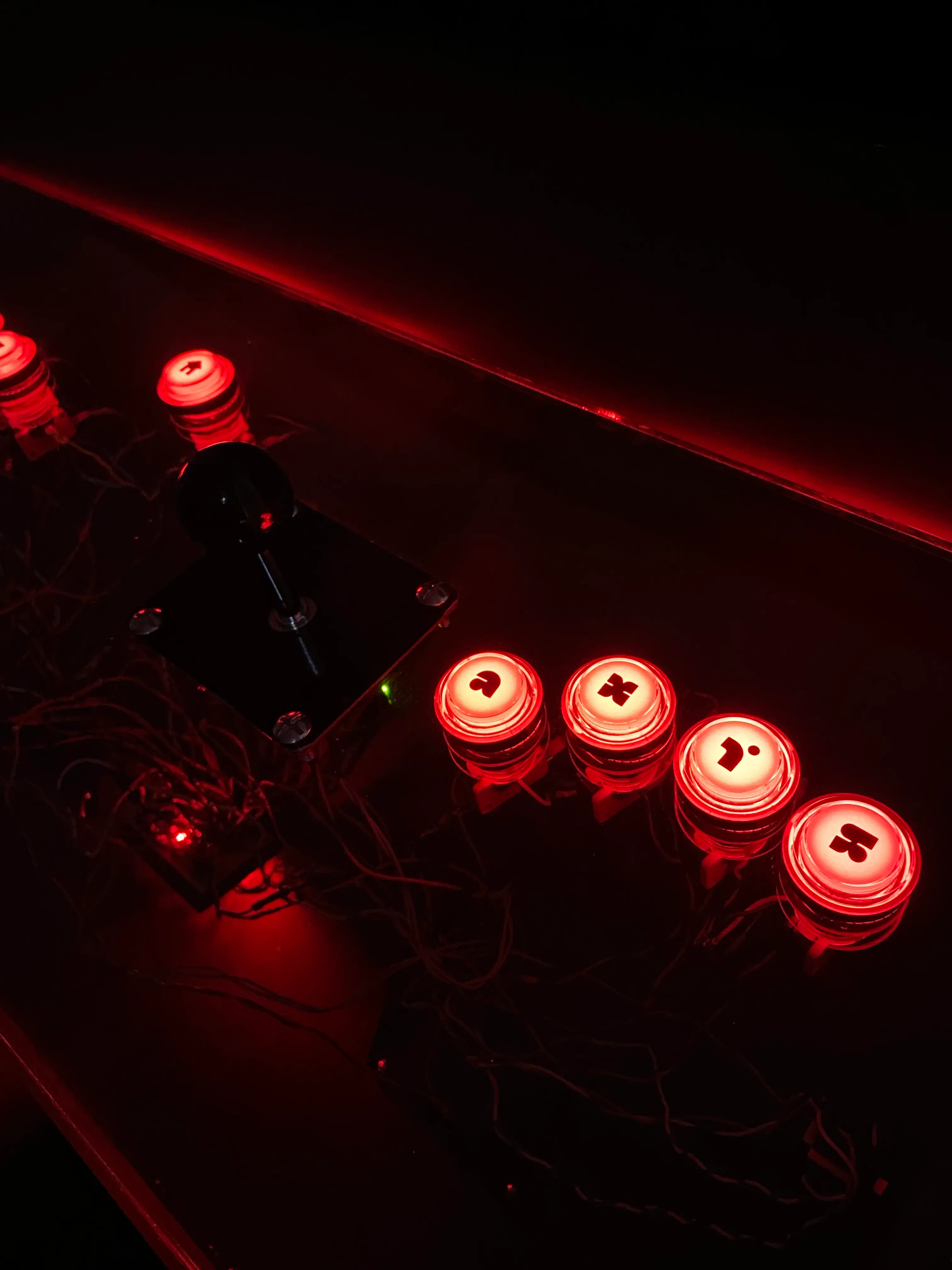
Close-up in the dark of a black joystick and four glowing red arcade buttons.
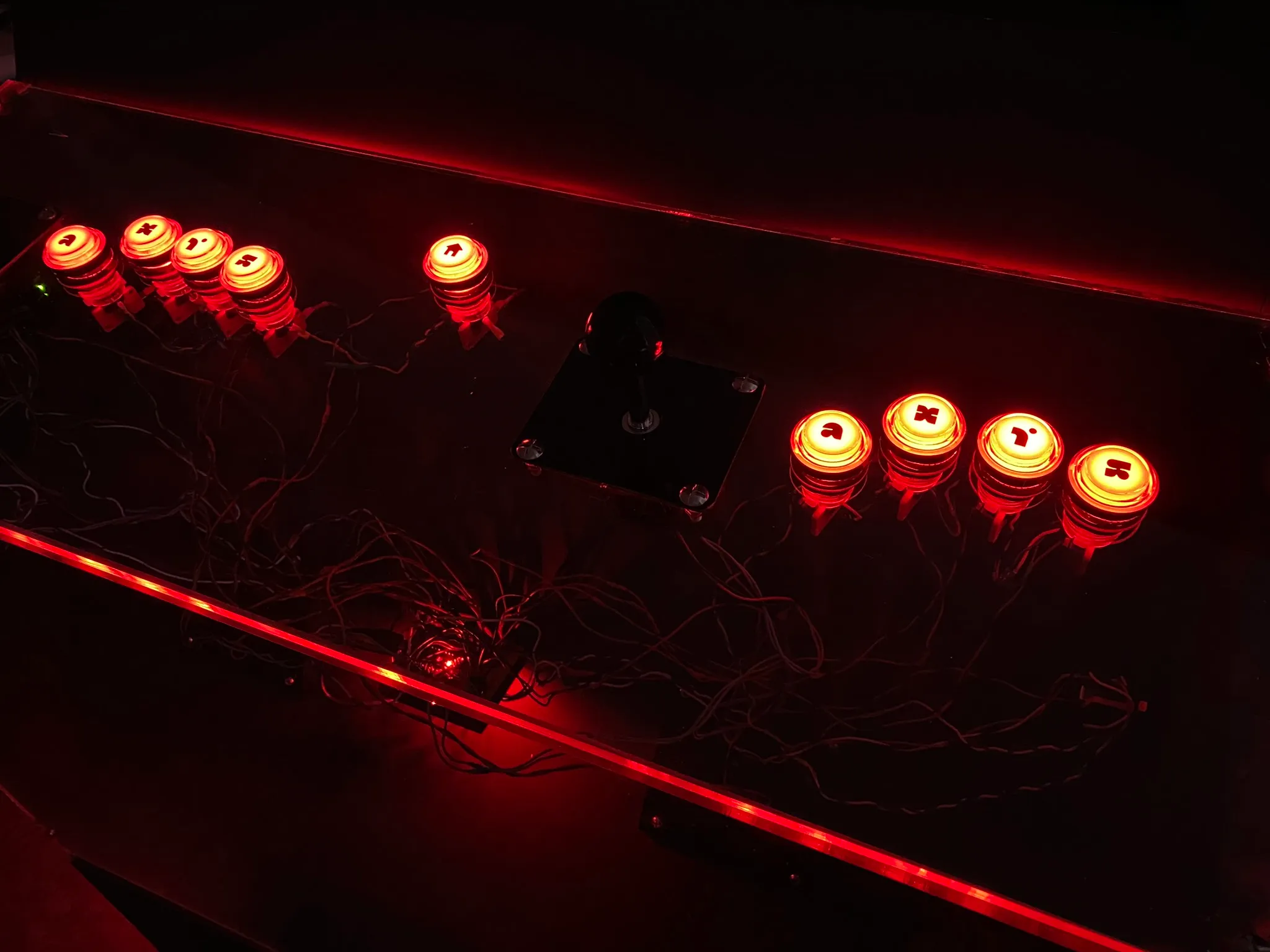
Top view of the control panel lit in red: a joystick in the middle, groups of glowing buttons on each side, and the wiring and Arduino board visible underneath.
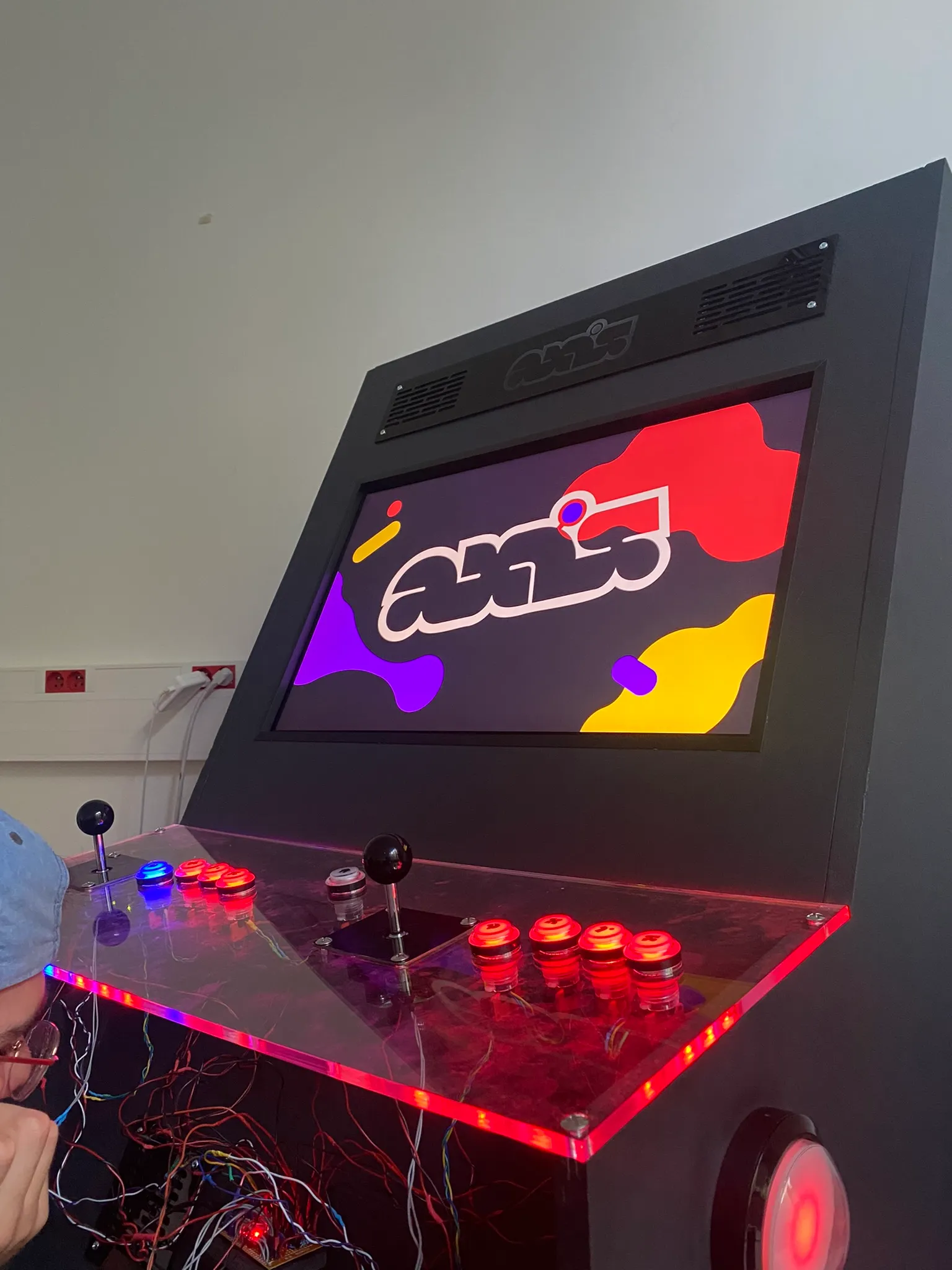
The finished cabinet: a black wooden body, a screen showing the Axis logo, and a transparent control panel with red-lit buttons and two joysticks.
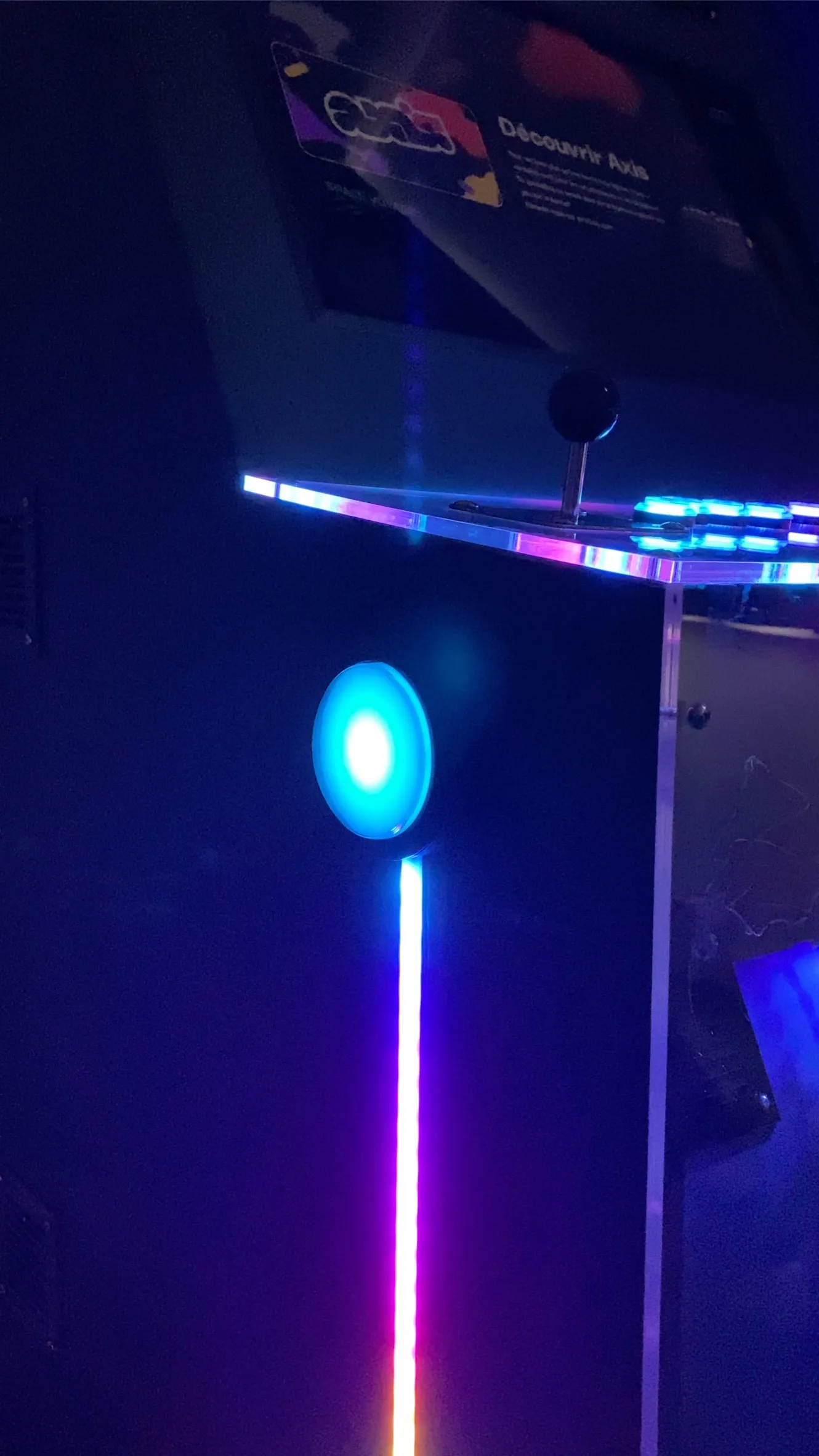
The side of the cabinet in the dark: a glowing blue button and a light strip running down the body, with the “Discover Axis” panel above.

Axis

Year
2022
Stack
Arduino, Electron, Vue, Firebase
Role
Front-end development
Electron app
Prototyping
Arduino programming
UI sound design (Ableton)
Graduation project
Team
5 people
Status
Still used every year at the school's open days

For our graduation project at Gobelins, we built an arcade cabinet designed as a physical archive for the mini-games produced during the program.

At Gobelins, we had noticed a recurring problem every semester: students' projects were viewed during submissions but were quickly forgotten afterwards. We wanted to make them accessible at any time to showcase the school's expertise.

The cabinet was entirely handmade in wood and assembled around an iMac connected to an Arduino, itself wired to physical buttons and joysticks. An Electron app acts as the game launcher, alongside an API used to map inputs to the physical controls. A homemade website allows students to upload their games remotely from home.

Some teachers explicitly ask for student projects to be compatible with the cabinet, using the API we developed for them.

Visit the website
Top view of the control panel lit in red: a joystick in the middle, groups of glowing buttons on each side, and the wiring and Arduino board visible underneath.

After a design phase for the shape, we began collecting all the resources to build it, while simultaneously creating the interface for both the hub and the app.

The cabinet has two player zones, each with one joystick and five buttons. Thanks to the API, creators can use these controllers with a few lines of code, and emulate them with a keyboard and a gamepad while developing.

The finished cabinet: a black wooden body, a screen showing the Axis logo, and a transparent control panel with red-lit buttons and two joysticks.The side of the cabinet in the dark: a glowing blue button and a light strip running down the body, with the “Discover Axis” panel above.